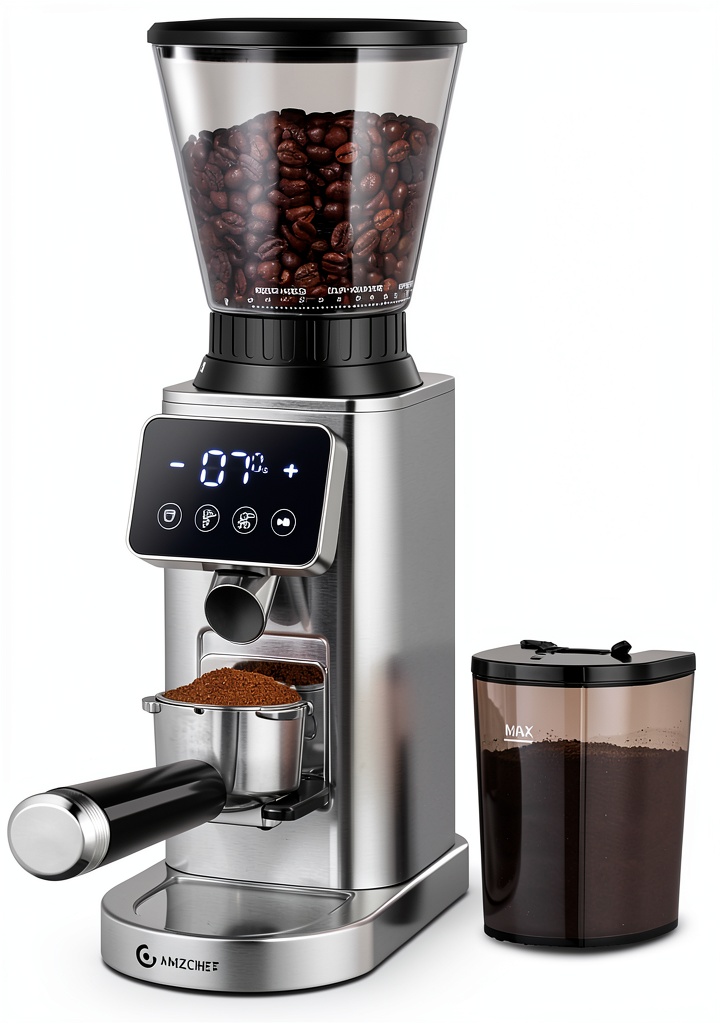
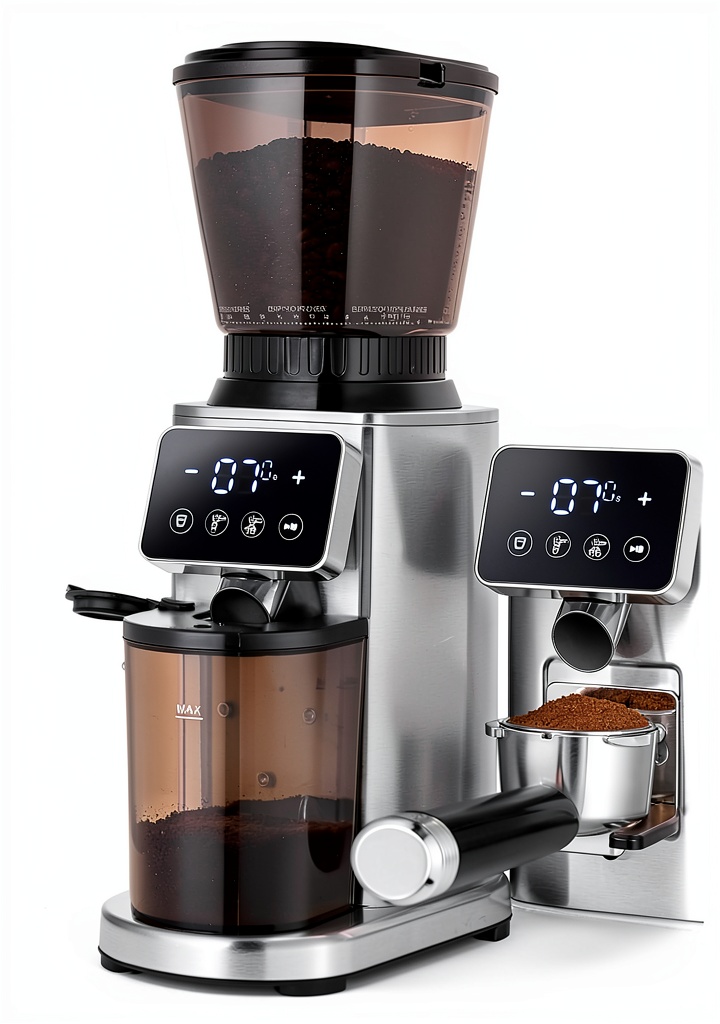
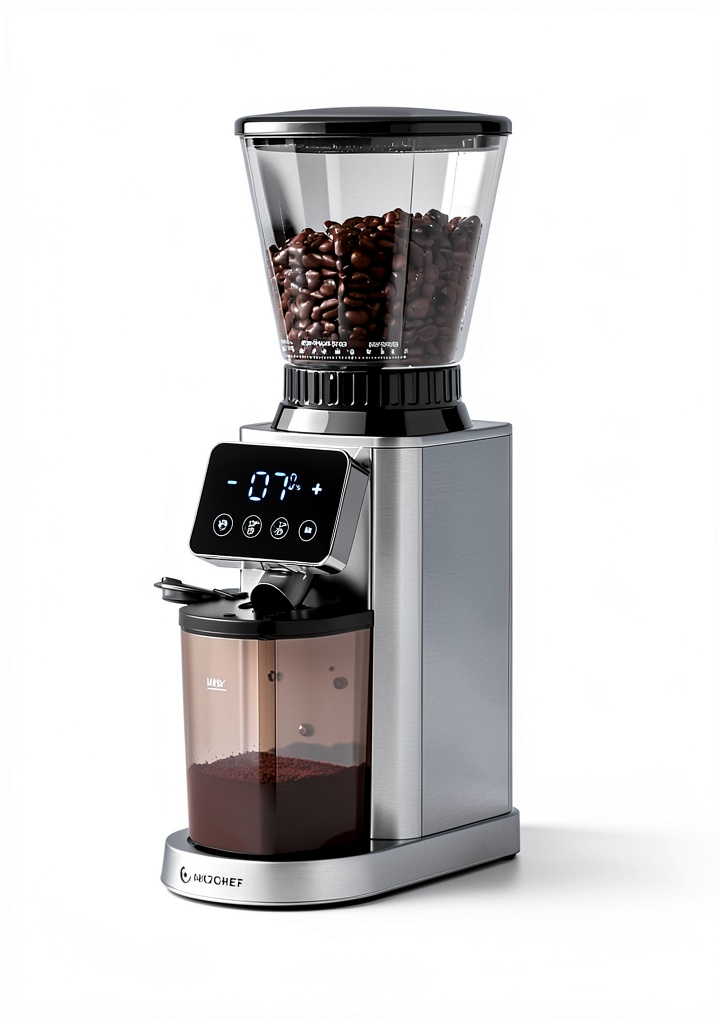

Description


Why is there an “E3” error code when using the product?
“E3” error code indicates that the hopper is not locked, after placing the hopper in the correct position, rotate it clockwise and hear a locking sound, indicating successful installation, ‘E3’ error code will disappear at the same time.
- Chapters
- descriptions off, selected
- Captions off, selected
- English (Automated)
- default, selected
This is a modal window.
What to do when there is a “E3” code display?
Merchant Video


-
How to Properly Install the Holder?
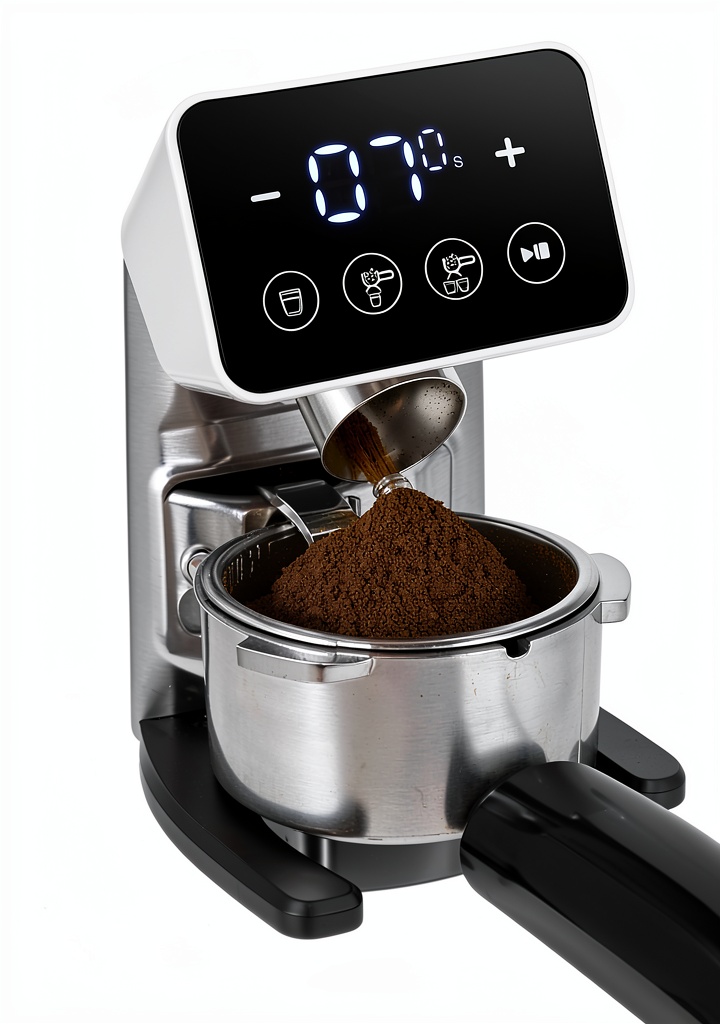
Align the three holes of the holder with the three fixed points on the machine, then press down to secure the bracket.
-
How to Properly use the Holder?
If using 51 mm, pads are required. If 54 mm is used, no pad is required; if 58 mm is used, it can be used directly; if over 58 mm, it is not applicable.
-
Why is There an “E3” Error Code When Using the Product?
“E3” error code indicates that the hopper is not locked, after placing the hopper in the correct position, rotate it clockwise and hear a locking sound, indicating successful installation, ‘E3’ error code will disappear at the same time.
-
Why Does It Pause During Use?
A blockage in the powder causes the protection program to activate. Please turn off the machine, clean the powder outlet, and then restart.
-
Grinds Come Out too Coarse/Fine?
If the installation of the grinding disk and adjust the fine grinding degree of the powder is still very coarse, you need to replace the machine in time.



Reviews
There are no reviews yet.